

Webflow Collaboration Workflows
Scalable permission management for secure collaboration
Designing a flexible, powerful role management system that allows teams to create customized permission sets, ensuring the right people have the right level of access.
Webflow Collaboration Workflows
Scalable permission management for secure collaboration
Designing a flexible, powerful role management system that allows teams to create customized permission sets, ensuring the right people have the right level of access.
Webflow Collaboration Workflows
Scalable permission management for secure collaboration
Designing a flexible, powerful role management system that allows teams to create customized permission sets, ensuring the right people have the right level of access.
Webflow Collaboration Workflows
Scalable permission management for secure collaboration
Designing a flexible, powerful role management system that allows teams to create customized permission sets, ensuring the right people have the right level of access.
Designing a flexible, powerful role management system that allows teams to create customized permission sets, ensuring the right people have the right level of access.
Context & Discovery
Problem Statement
Before Custom Roles, Webflow users had limited control over team permissions, leading to security concerns, inefficient workflows, and unnecessary access for certain roles. Teams needed granular control over who could edit, publish, and manage projects without relying on workarounds.
Goal
Design a flexible, intuitive role management system that allows teams to create customized permission sets, ensuring the right people have the right level of access.
Challenges & Approach
- Balancing Simplicity with Control – The system needed to be powerful for large teams but not overwhelming for smaller ones.
- User-Friendly Permission Management – Designing an intuitive UI for assigning and managing roles.
- Scalability – Ensuring Custom Roles worked seamlessly across various team sizes and workflows.
Solution
- Role-Based Access Control (RBAC) – Allowed teams to define custom permission sets tailored to their workflow.
- Clear Role Descriptions & UI – Designed an intuitive interface to make role creation and assignment simple.
- Seamless Integration with Webflow Workflows – Ensured that permissions aligned with publishing, editing, and approval processes.
Impact
✅ Improved team efficiency by reducing unnecessary access and editing conflicts.
✅ Increased security by giving admins more control over permissions.
✅ Positive feedback from enterprise teams managing multiple collaborators.
Key Learnings
- Striking the right balance between flexibility and usability was key—overly complex permissions could create friction.
- Providing clear guidance and defaults helped users adopt the feature more smoothly.



Heading 1
Heading 2
Heading 3
Heading 4
Heading 5
Heading 6
Lorem ipsum dolor sit amet, consectetur adipiscing elit, sed do eiusmod tempor incididunt ut labore et dolore magna aliqua. Ut enim ad minim veniam, quis nostrud exercitation ullamco laboris nisi ut aliquip ex ea commodo consequat. Duis aute irure dolor in reprehenderit in voluptate velit esse cillum dolore eu fugiat nulla pariatur.
Block quote
Ordered list
- Item 1
- Item 2
- Item 3
Unordered list
- Item A
- Item B
- Item C
Bold text
Emphasis
Superscript
Subscript
Process
Research
Planning
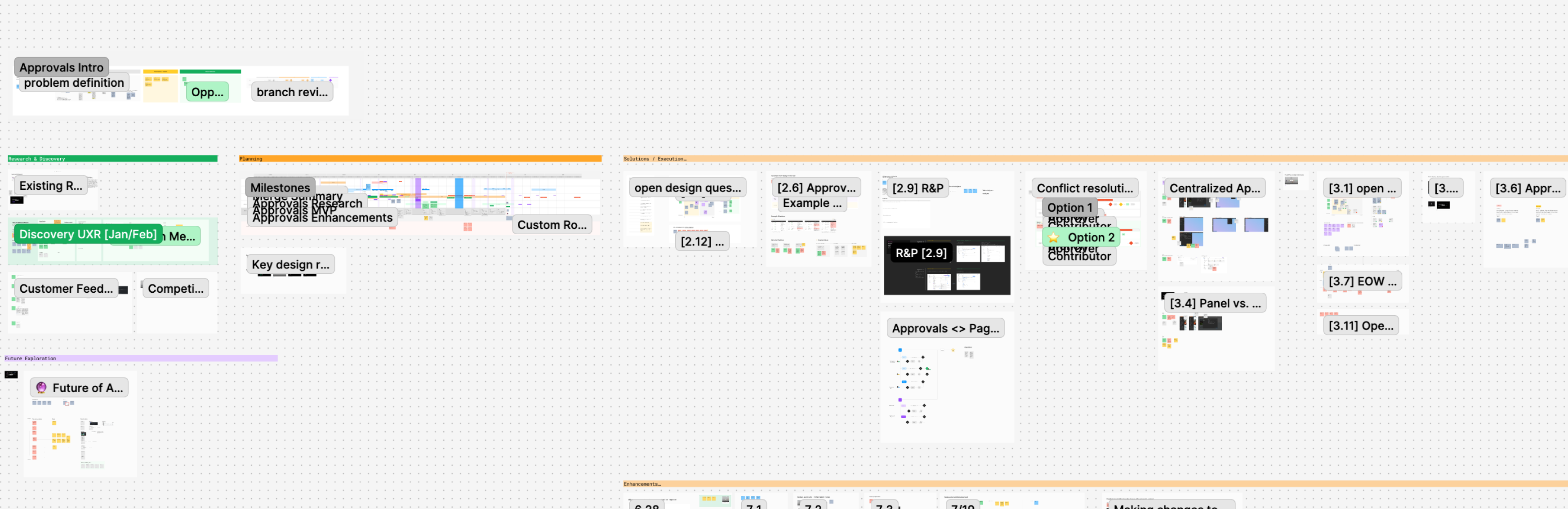
Iteration & Testing
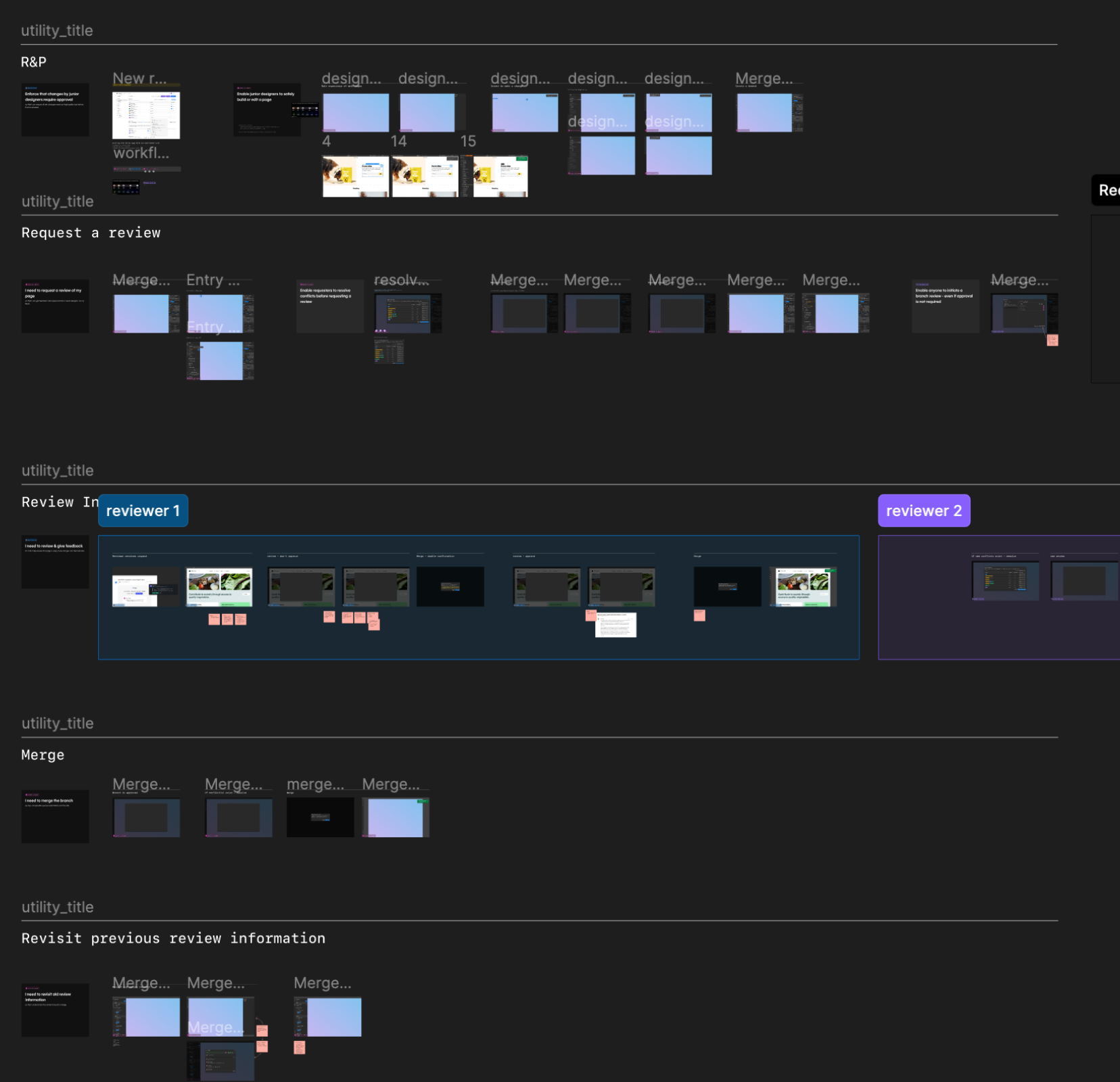
Prototyping & Validation
Outcomes
Solution
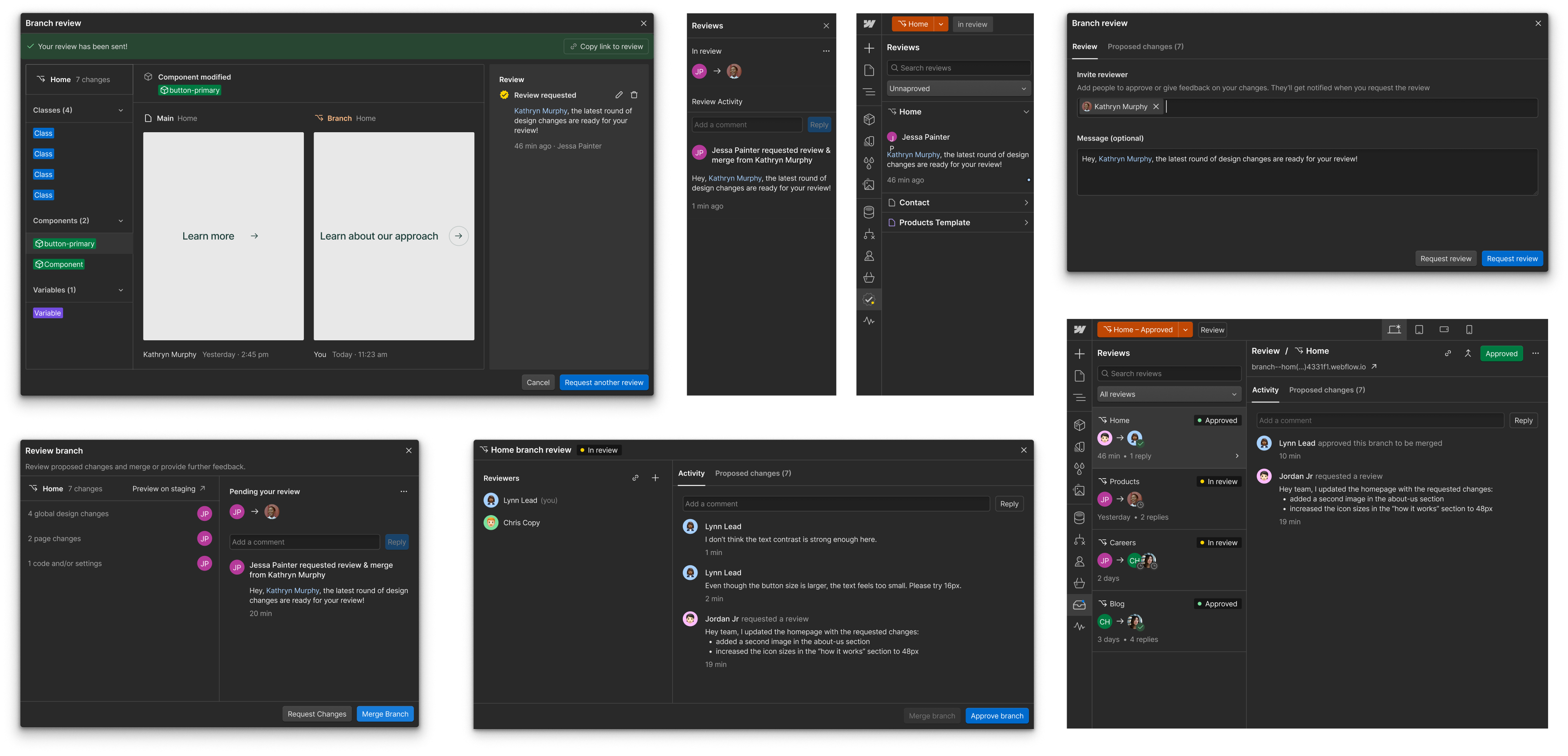
- Dedicated Approvals Panel – A clear, structured way to track approvals and changes.
- Reviewer Roles & Feedback Messaging – Stakeholders can approve designs or request changes with context.
- Seamless Publishing Control – Approved designs can move forward without bottlenecks, reducing unnecessary back-and-forth.
Impact
✅ Reduced approval cycle time by X%.
✅ Improved clarity in team collaboration workflows.
✅ Positive feedback from users on the ease of reviewing and approving designs.
Key Learnings
- Balancing control vs. flexibility was key—teams needed structure but not rigid approval constraints.
- Providing contextual feedback options made approvals more actionable, reducing miscommunication.
Artifacts